To the page content

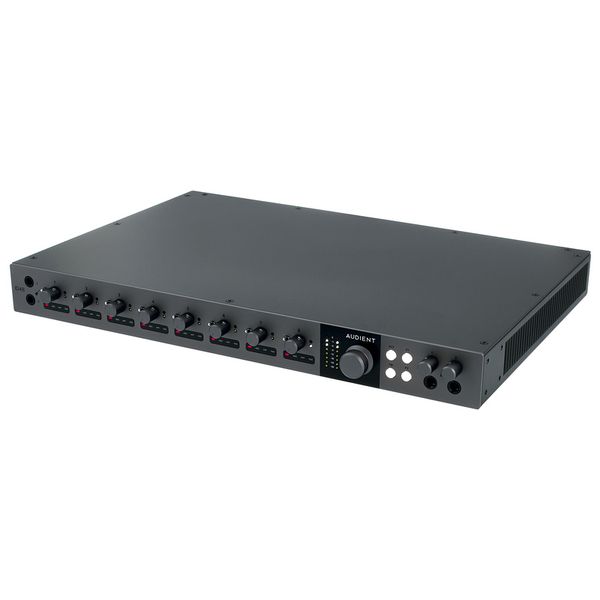
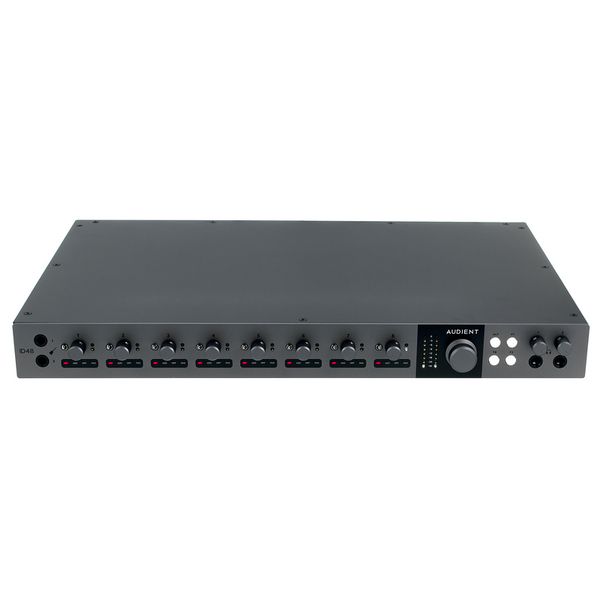
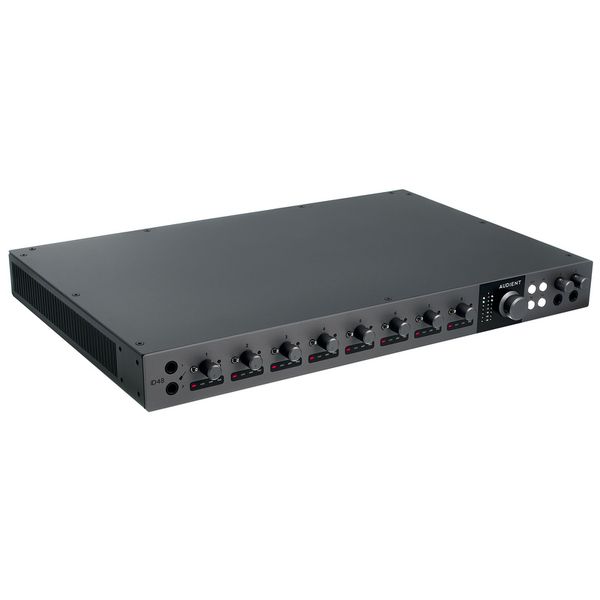
USB Audio interface

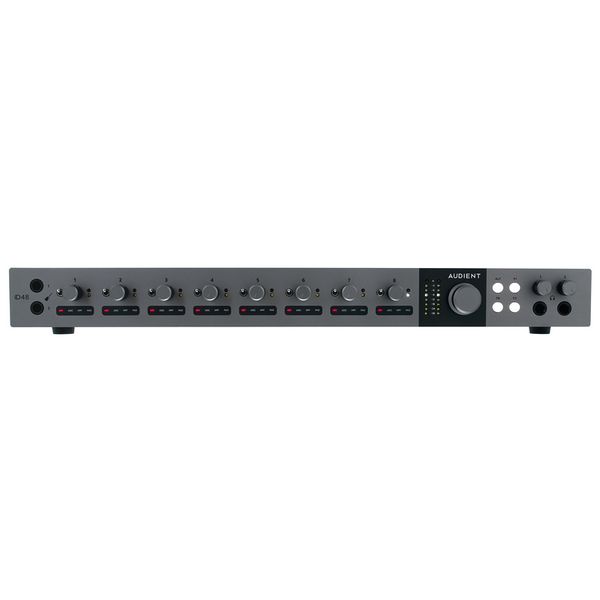
  • 24 inputs and outputs
  • Sample rate: 24 bit / 96 kHz
  • 8 Class-A Audient Console microphone preamps
  • DSP mixer with intuitive software
  • Audio loop-back
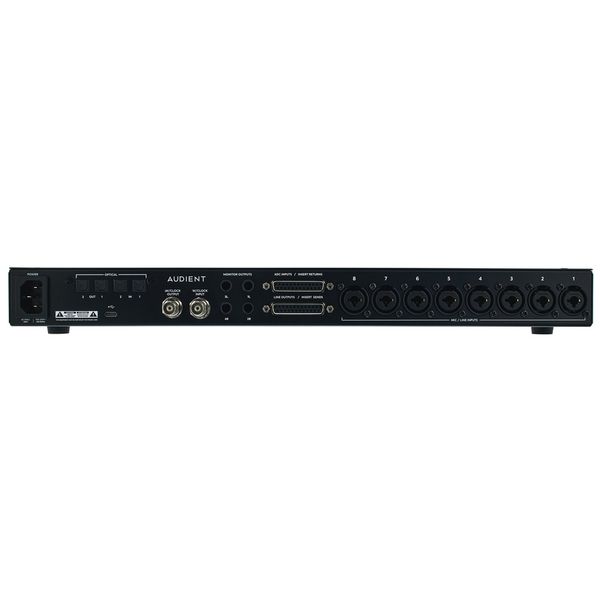
  • 8 switchable balanced inserts
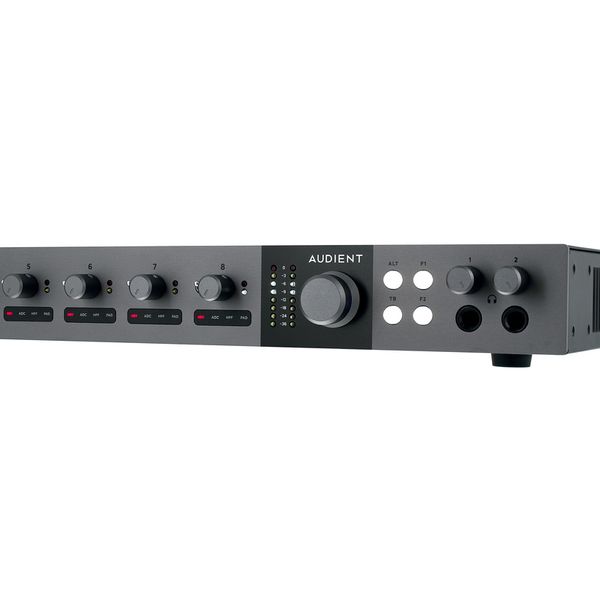
  • Dedicated controls for alternate speakers and talkback
  • 2 user-assignable function keys
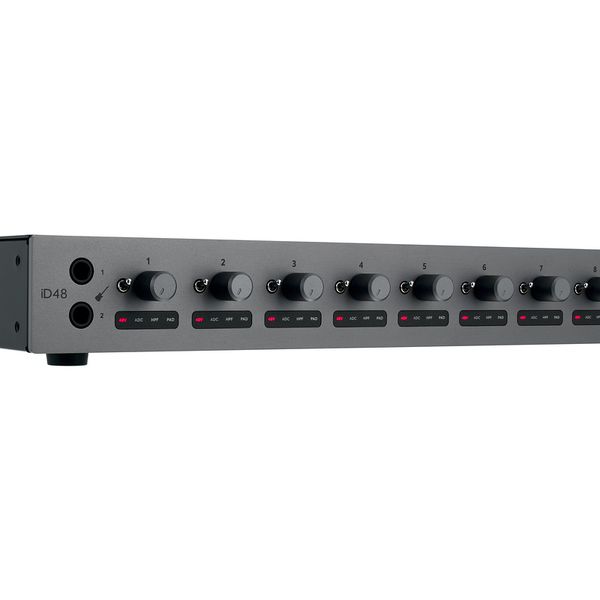
  • +48 V, pad, +10 dB boost, polarity inversion, and high-pass filter for each channel
  • Standalone mode
  • 2 discrete JFET instrument inputs
  • Main and alternate speaker outputs
  • 2 independent headphone outputs
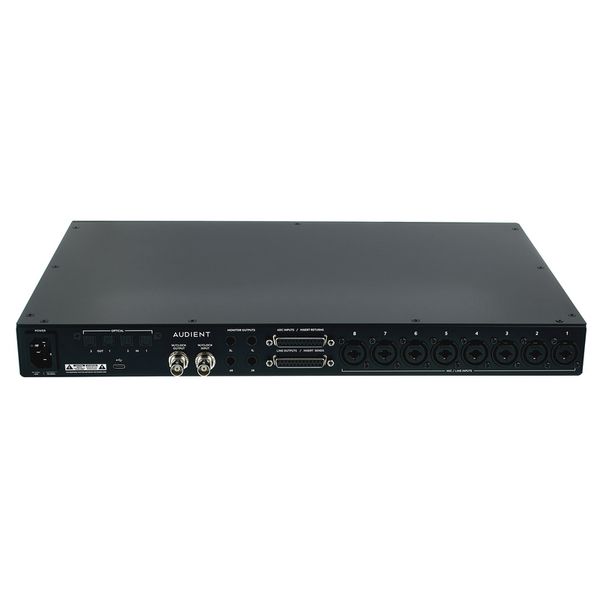
  • 2 ADAT inputs and outputs
  • Word Clock input and output
  • USB-C port
  • Dimensions: 437 x 50 x 327 mm
  • Weight: 4.5 kg
  • Available since April 2025
  • Item number 609185
  • Sales Unit 1 piece(s)
  • Recording / Playback Channels 24X24
  • Number of Mic Inputs 8
  • Number of Line Inputs 8
  • Instrument Inputs 2
  • Number of Line Outs 8
  • Headphone Outs 2
  • Phantom Power Yes
  • Number of S/PDIF Connectors 0
  • Number of ADAT Connectors 2
  • Numer of AES/EBU Connectors 0
  • Number of MADI Connectors 0
  • Ethernet 0
  • Other Connectors No
  • MIDI interface No
  • Word Clock 1xIn, 1xOut
  • Max. Sampling Rate in kHz 96 kHz
  • Max. Resolution Rate in Bits 24 bit
  • USB Bus-Powered No
  • Incl. power supply Yes
  • USB Version 2.0
  • Width 437 mm
  • Depth 327 mm
  • Height 50 mm
  • Connection Format USB port Type C
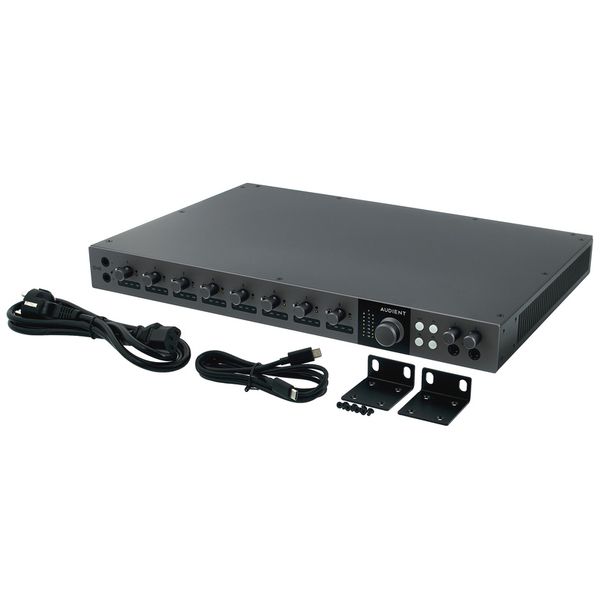
  • Included in delivery Power Cable, USB-C Cable, Rack Mount Accessories
  • Zero latency monitoring Yes
10.090 kr
All prices incl. VAT
In stock
1

17 Customer ratings

4.8 / 5

handling

features

sound

quality

14 Reviews

E
Best interface in its class, seriously.
Enrikteryx 24.09.2025
Pros:
- Very high-quality build and feel
- Switchable inserts (entire interface is worth it for this feature alone!)
- Transparent headphone amps, drive higher ohm headphones reasonably well
- Great components (AD/DA conversion, pre amps, etc)

Cons:
- No dedicated power button
- Clunky and confusing software, it took me a few weeks to adjust to it
- Unreliable loudness metering

Conclusion:
I’ve enjoyed the ID48 the past 3 months of ownership. When comparing it to other interfaces in its class, it’s the clear winner for mixing engineers. The quality is also unmatched, the full metal housing and switches feel higher quality than Audient’s 4816. Integrating it with a patchbay or single 8 slot 500 series rack is extremely powerful and allows you to mix with analog hardware quickly. However, as much as I love the ID48, I feel as though the software is its biggest drawback. Despite watching Audient’s provided videos, some features, such as independent headphone mixes, are only briefly mentioned but not well explained leaving the user to experiment with the feature until they reach their required routing . The metering in the ID software is extremely annoying as it often displays clipping warnings even if the signal is well below the threshold (such as when watching a youtube video). Lack of a dedicated power button is currently very annoying until I buy a second power conditioner.
quality
features
handling
sound
7
0
Report

Report

GM
Audient iD48
George Malliotakis 08.10.2025
I'm on a budget, and I always put a lot of research into any piece of gear before buying it. I had been searching for a long time for the perfect audio interface for my home studio, and I think I’ve finally found it.

The iD48 offers an astonishing amount of I/O and connectivity for all sorts of purposes. I can now connect all of my gear simultaneously — guitars, microphones, synthesizers, and more. The eight preamps deliver pristine sound quality and come with excellent functionality (pad, HPF, and boost). The two ADAT ports and the Sub-D25 connection for sends/returns make this unit the heart of my home studio, providing extensive options for future I/O expansion and routing flexibility.

I bought the iD48 with the intention of building a hybrid recording and mixing setup in the near future, and I believe that’s the main selling point of this interface — the reason I chose it over other 19" rack units.

The iD Mixer software is a near-perfect companion to the hardware and has significantly streamlined my workflow. The “State” function is an amazing tool that allows you to switch between different session configurations depending on the project you’re working on.

Right now, I’m not yet using the iD48 to its full potential, but I’d be happy to revisit this review once I finalize my hybrid setup. :)
quality
features
handling
sound
5
0
Report

Report

P
Excellent
PhilProducer 24.07.2025
My first Audient product and I am very impressed. My previous interface was an Apogee Ensemble but the iD48 sounds and feels next level. Costumer support has been fantastic and quick which is also a big plus in my view. Recommended.
quality
features
handling
sound
4
0
Report

Report

S
Inputs and outputs - bit of misunderstanding
S.123456 04.06.2026
It was a little bit hard for me to understand the mixer and setting the inputs and outputs in FL studio sending and receiving signal using hardware. Why? First because I use the ADC; DB25 cables with it. That will automatically cancel the inputs on the unit, is no way I can use both and have more inputs. The biggest issue was sending signal to Analog 1 and 2 as it is reserved for the main Monitor outputs. So there was a catch and I've sent email to the Audient support team and they answered. By the time I figure it out the support team member got it wrong. So the verdict was to skip output 1 and 2 and reserve this just for sending signals to the Monitors as he recommended. But, I notice that I don't need to set output 1 and 2 on the FL master channel, and send the signal to Analog 1 and 2 and back into FL studio. Somehow there is a straight link to the Monitors. Then, I had to go on the Id48 mixer and UNMUTE on Mic input no 1 and select ADC source and Mute all the DAW mixer channels section on the id48 mixer. The support told me to use the DAW section to send signal to all my hardware eq and compressors, but is not like that, the mic section is for sending it. Once I record my tracks into FL studio, I needed to go back to the Id48 mixer and mute the mic section and unmute the DAW section of channel 1. I had to set new mixer tracks for what I recorded in FL and link them to the master output and select the output source Analog 1 and 2. That will play what I recorded in FL studio trough the hardware straight to the Monitors without sending the signal again trough all the compressors and gears I have. So even the suport team can get a bit confused over their stuff, but I'm happy there was a reply faster than 2 days and I got this thing working. I don't like those thick cables and small sockets of the ADC I feel like one day I'm going to bend them. I'm not used to have such a big audio interface. Maybe I should have researched more and get a Fender or Universal audio volt876 and extend the inputs and outputs with the AD/DA Converters, I can do that with this as well. Is too late and I don't like to send stuff back. The unit is still highend for the money and I'm going to keep it.
quality
features
handling
sound
0
0
Report

Report